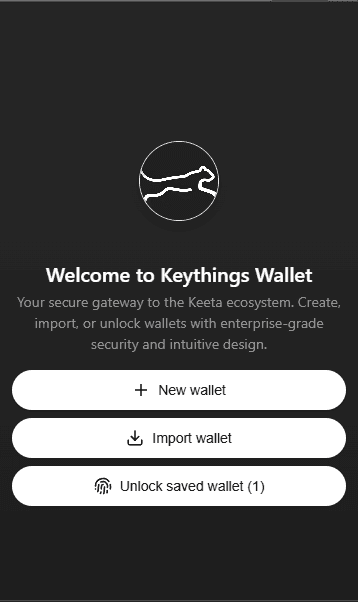
The Keeta Network wallet built for peace of mind
Keythings Wallet turns Keeta Network performance into something you can feel: sharp layouts, unmissable states, and confident approvals from the very first click.
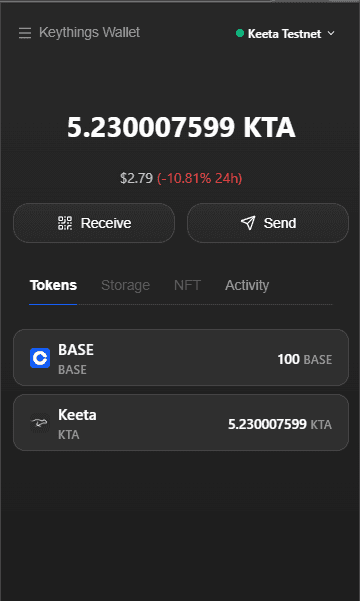
Unlock and get oriented in one glance
A high-contrast lock screen keeps the important pieces loud and everything else quiet. No confusion, no hesitation just a clear entry point into your Keeta workspace.
Each state of the extension is designed like a console panel: thick borders, loud typography, and enough whitespace to make approvals unmistakable.
Under the hood, every operation is still signed in the wallet and settled on Keeta this splash just surfaces the sequence in a story you can scroll.
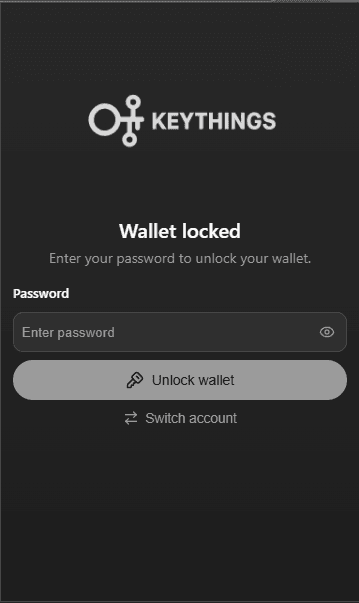
See balances, storage, and flows like a control panel
The dashboard compresses tokens, storage, and recent activity into a crisp layout so you can scan, decide, and move. No gradients, no fluff just structured signal.
Each state of the extension is designed like a console panel: thick borders, loud typography, and enough whitespace to make approvals unmistakable.
Under the hood, every operation is still signed in the wallet and settled on Keeta this splash just surfaces the sequence in a story you can scroll.
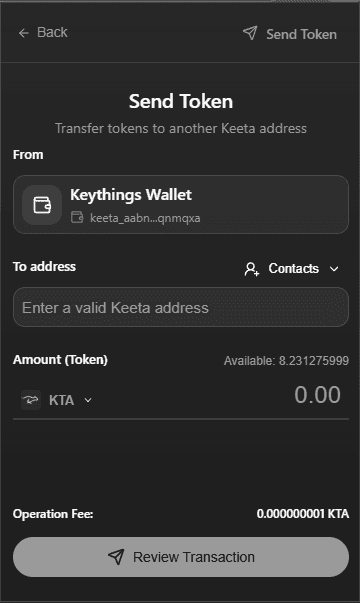
Move value with surgical clarity before you sign
The send view pushes recipients, amounts, and fees to the foreground so you can verify what matters before a single signature leaves your wallet.
Each state of the extension is designed like a console panel: thick borders, loud typography, and enough whitespace to make approvals unmistakable.
Under the hood, every operation is still signed in the wallet and settled on Keeta this splash just surfaces the sequence in a story you can scroll.
Orchestrate Keeta-native token supply with confidence
Token supply tools make supply changes explicit: what you are about to mint, burn, or redistribute is carved into the interface, not hidden behind tiny labels.
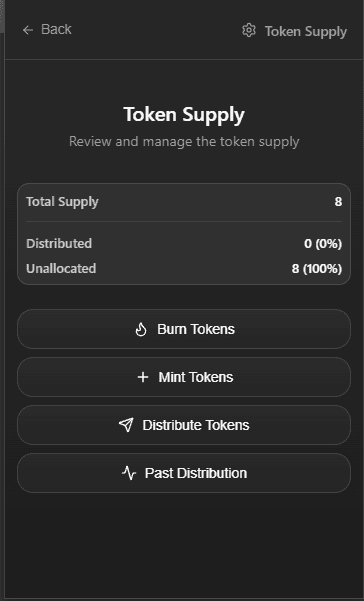
Each state of the extension is designed like a console panel: thick borders, loud typography, and enough whitespace to make approvals unmistakable.
Under the hood, every operation is still signed in the wallet and settled on Keeta this splash just surfaces the sequence in a story you can scroll.
Put Keeta one click away for your team and your users.
Install the extension, connect your dapps, and keep the backend zero-custody. Every block, every token, every storage account stays user-controlled this UI just makes it obvious.